- Herkömmliche Lösungen sind zu komplex und teuer für KMUs.
- Herkömmliche Tools überfordern kleine und mittlere Unternehmen.
- Komplexität und Kosten bremsen Nachhaltigkeitsinitiativen.
- Bedarf an pragmatischen, bezahlbaren CO₂-Lösungen wächst.

CO₂-Transparenz für Ihr Unternehmen in 30 Tagen
KI-basierte Lösung für KMU: schnell, einfach, gesetzeskonform.
Ergebnisse in nur 30 Tagen

Problem
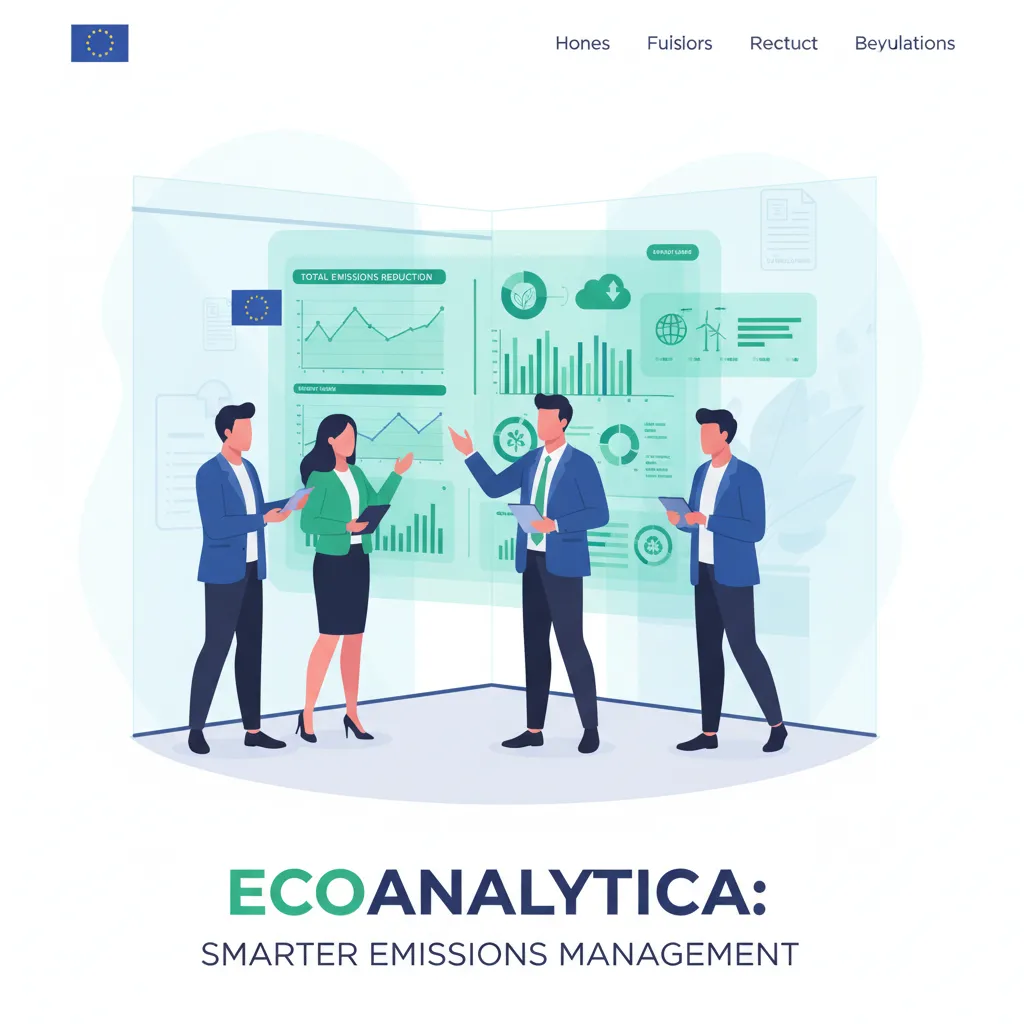
Die neue Realität: Emissionen müssen gemessen werden.
CO₂-Druck
Immer mehr Gesetze (EU) und Großkunden fordern CO₂-Daten.
Lieferketten-Fokus
Scope 3 (Lieferkette) ist der größte blinde Fleck für die meisten Unternehmen.

Komplex & Teuer
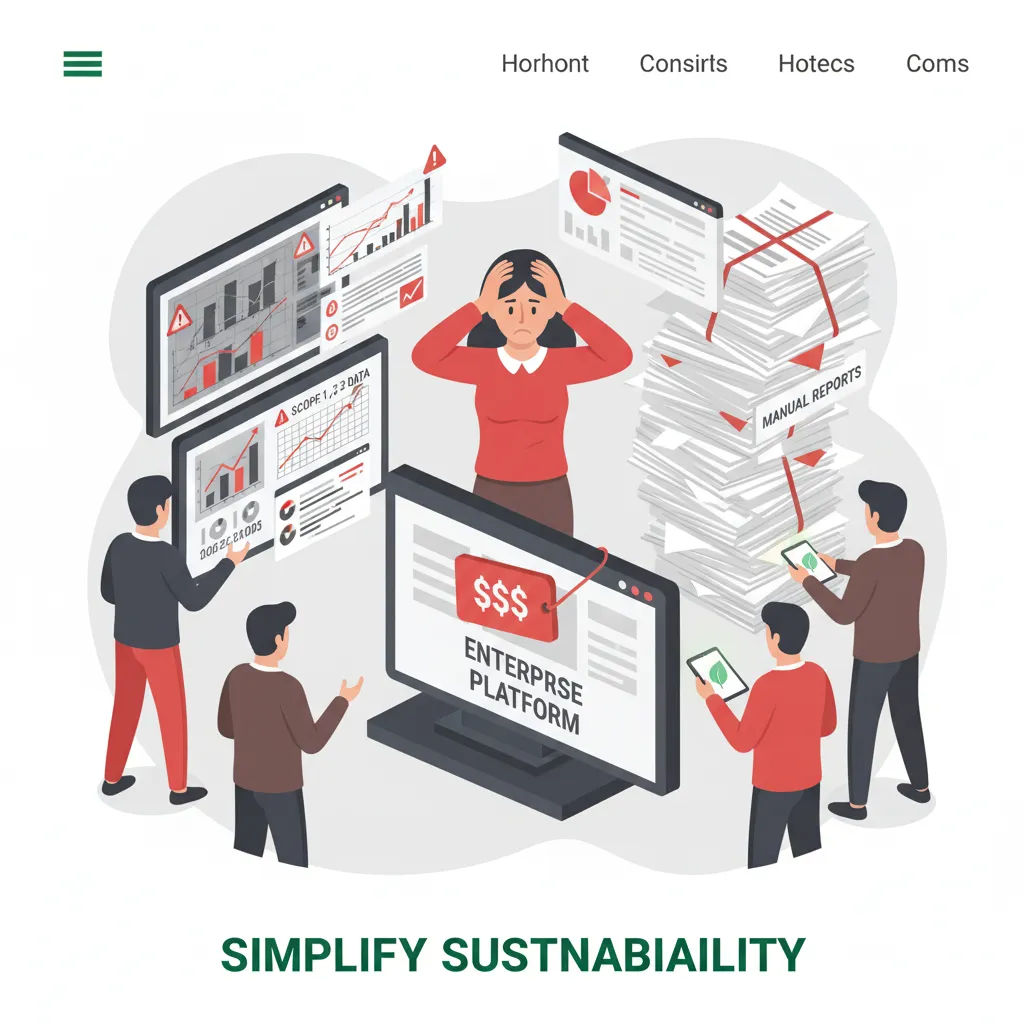
Herkömmliche Lösungen sind zu komplex und teuer für KMUs.
Datenrisiko
Fehlende Daten können Kunden und Aufträge kosten.

CO₂-Daten rücken in den Fokus
- Immer mehr Gesetze und Großkunden fordern CO₂-Daten von ihren Lieferanten.
- Neue Gesetze verpflichten Unternehmen zu Klimatransparenz.
- Großkunden fordern CO₂-Bilanzen von Lieferanten ein.
- Druck auf Lieferketten: Nachhaltigkeit wird zur Pflicht.
Scope 3 – der große blinde Fleck
- Scope 3 (Lieferkette) ist der größte blinde Fleck für die meisten Unternehmen.
- Lieferketten-Emissionen machen den größten Teil des CO₂-Fußabdrucks aus.
- Ohne Scope-3-Daten bleibt Klimabilanz unvollständig.
- Unternehmen brauchen Transparenz entlang der gesamten Wertschöpfungskette.
KMUs brauchen einfache Lösungen
Fehlende Daten, verlorene Aufträge
- Fehlende Daten können Kunden und Aufträge kosten.
- Ohne CO₂-Transparenz riskieren Unternehmen Kundenbeziehungen.
- Datenlücken gefährden die Wettbewerbsfähigkeit.
- Nachhaltigkeitsanforderungen entscheiden über Auftragsvergabe.
Lösungs
Einfacher Start
First, create a container to house the card elements.
In this case, I have created 'c-cards-list' and 'w-cards-list'. 'c' represent container and 'w' represent wrapper. This is my standard structuring method to prepare the elements for complicated interactions just in case.
Similarly, create 'c-card' and 'w-card' inside the container. Style the 'w-card' element according to your preference and then add in required content.

Making sticky cards
To create a stacking effect, you will required to use the 'position: sticky'.
Apply 'position: sticky' to 'c-card' element and apply at least 1px for the top position.
By now, you should be able to see the cards stacking on top of each other while you scroll down the page.

Create layering effects for stacked cards
Great. Now you have successfully stacking the cards on top of each other. To make them looks better, we will create some layering effect.
Create combo class for each of the 'c-card' element. For example, '1', '2', '3' and etc. Then add some value in the top position. For example, for first card, you can give it 20px from the top to make some spacing. Then for the following cards, you can add 100px each. You can adjust the value based on your design and layout.

ScopeIQ: Ihr einfacher Weg zur CO₂-Reduzierung.
Transparente CO₂-Daten für Ihre gesamte Lieferkette – einfach, effizient, kostengünstig.
1
Audit
Scope-3-Audit
Automatisiertes Audit in 30 Tagen

2
KI Analyse
KI-gestützte Analyse
Schnelle Datenauswertung, klare Handlungsempfehlungen

3
Reduktion
Umsetzbare Maßnahmen
Priorisierte CO₂-Reduktionsmaßnahmen für Ihr Unternehmen

4
Schnellstart
Einfaches Onboarding
Schneller Start, auch für Ihre Lieferanten

Vorteile
Das erreichen KMU mit ScopeIQ
Transparente CO₂-Daten, einfache Anwendung und nachhaltige Wettbewerbsvorteile für Ihr Unternehmen.

Fokus auf KMU
Speziell für die Bedürfnisse von kleinen und mittleren Betrieben entwickelt.

Ø CO₂-Einsparung
15% innerhalb von 3 Monaten

Ø Zeitersparnis
80% gegenüber manueller Berechnung
.webp)
Kostenersparnis
bis zu 10.000 € pro Jahr
The
So funktioniert es
In 3 einfachen Schritten zur Klimabilanz.


Daten hochladen
Lade Sie Ihre Rechnungen und Transportdaten in unser Formular.

KI-Analyse
Unsere KI macht die Arbeit im Hintergrund.

Report erhalten
Wir senden Ihnen den Bericht per E-Mail zu.
The
Kundenstimmen
Bereits erfolgreiche KMU

Logo

Dank ScopeIQ konnten wir unsere CO₂-Daten transparent erfassen und sofort priorisierte Maßnahmen umsetzen.
Anna Schmidt
Einkaufsleitung
Starten Sie noch heute Ihre CO2-Reise.
Beginne Sie noch heute, Ihren CO2-Fußabdruck zu reduzieren und nachhaltig zu leben. Kleine Schritte im Alltag führen zu großen Veränderungen - für Sie und Ihre Umwelt.
Thank you! Your submission has been received!
Oops! Something went wrong while submitting the form.
Nur wenige Pilotplätze verfügbar.

The
FAQ
Häufige Fragen
Antworten auf die wichtigsten Fragen rund um ScopeIQ
Frequently Asked Questions
Here are answers to some of the most common questions. If you don’t see your question here, feel free to reach out
1. Wie funktioniert die KI?

2. Sind meine Unternehmensdaten sicher?
3. Wie schnell kann ich Ergebnisse sehen?
4. Welche Kosten fallen an?
ScopeIQ vereinfacht CO₂-Management mit smarten und effizienten Lösungen für Unternehmen.